


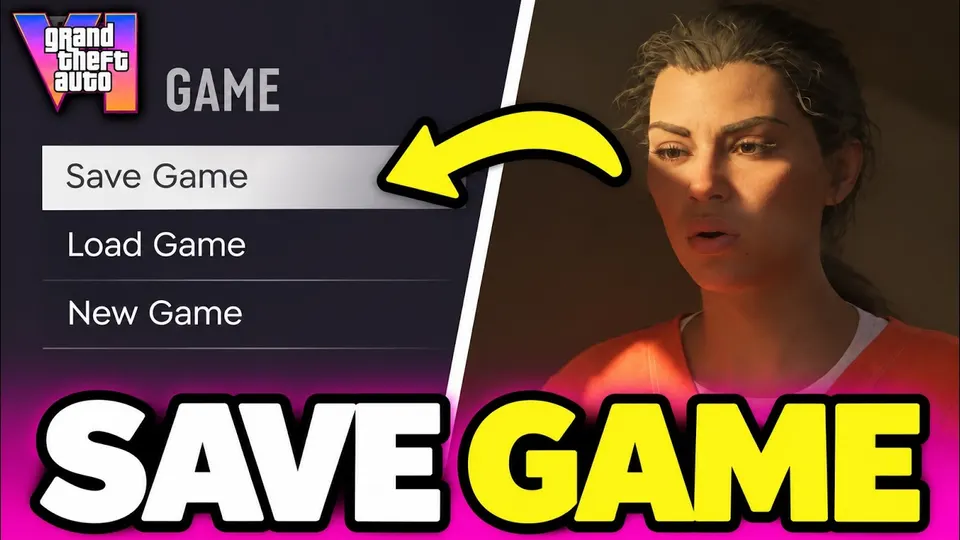
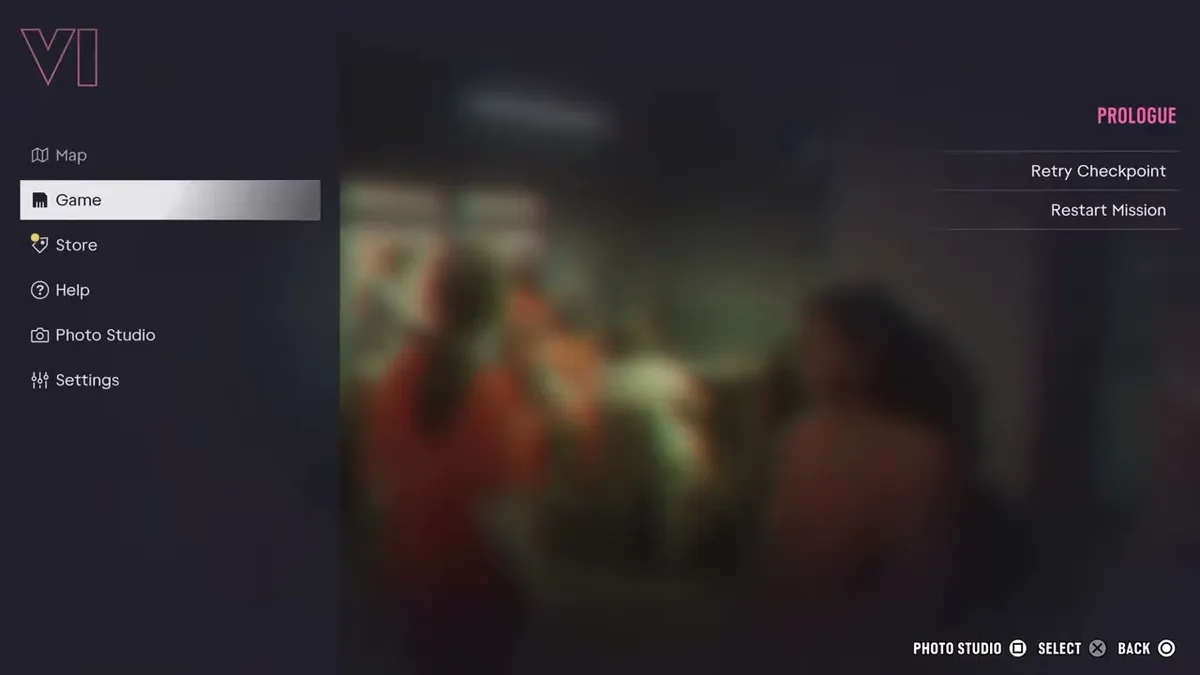
Press Start (Options), open the Game tab and pick Save Game. GTA 6 has 15 manual save slots plus one autosave. Manual saving isn't available in the prologue; it opens up once you reach Jason's house at the marina, usually after your first job for Brian.
Step by step
- Finish the prologue so you reach Jason's house at the marina.
- Get into free roam, outside any active mission.
- Open the pause menu with Options on PS5 or Menu on Xbox.
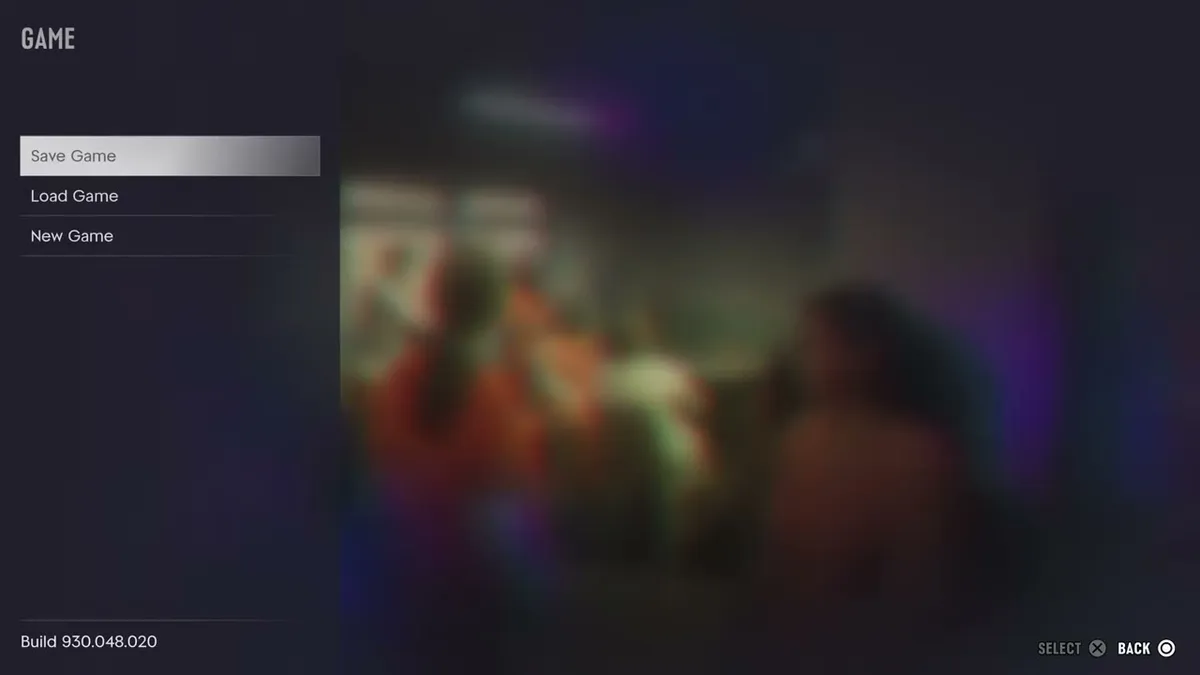
- Go to the Game tab and select Save Game.
- Choose an empty slot or overwrite an old save (15 manual slots).
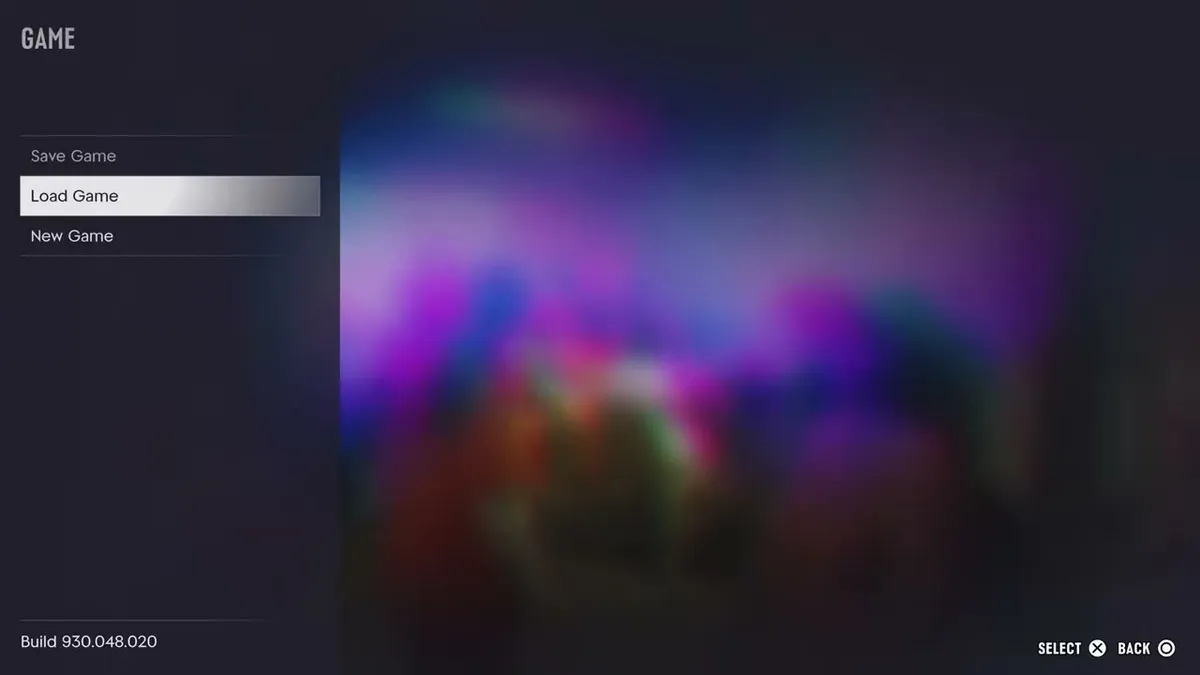
- To load, open Game > Load Game and pick the autosave or a manual save.
How does saving work?
GTA 6 mixes an autosave with manual saves:
| Save type | How it works |
|---|---|
| Autosave | Triggers after missions and some open-world events, including death or arrest. One slot, overwritten each time |
| Manual saves | 15 slots, from Game > Save Game in the pause menu |
Why can’t I save at the start?
During the prologue only the autosave works. Manual saving opens up once you reach Jason’s house at the marina, which usually happens after the first job for Brian.
Make a save as soon as you get there. The opening can’t be skipped, so a post-prologue file lets you start a later playthrough without going through the tutorial missions again.
Where can I save?
You can save anywhere in free roam. Pause with Options on PS5 or Menu on Xbox, go to Game, then pick Save Game. Unlike GTA 5, you can’t save from the in-game phone. During a mission the option is normally greyed out, so wrap up the objective or get back to the open world first.
Why should you use several slots?
Because GTA 6 has no mission replay. Loading an older manual save is the only way to play a story mission again. A simple routine:
- Keep one slot as your main save and overwrite it often.
- Make a manual save every 30 minutes or so instead of relying on the autosave alone.
- Before a big mission, save to a new slot you won’t overwrite.
- Keep an extra save before you finish the story.
The story runs across 5 chapters. A neat setup is one save at the start and one at the end of each chapter, which takes 10 slots. You then cycle the remaining 5 during post-story cleanup, and you can still return to any chapter.
Watch out when loading. Going back to an older manual save wipes the autosave as well. If you switch to a different slot after each mission, you always have a recent backup if something goes wrong.
What breaks a save?
Cheats. Entering one switches saving off, and it stays off until you quit and restart the game, so make a clean save first. The full list and rules are in all GTA 6 cheats.
FAQ
How many save slots does GTA 6 have?
15 manual slots plus one autosave slot.
When does GTA 6 autosave?
After missions and some open-world events, including getting killed or arrested. The autosave overwrites the previous one each time, and loading an older manual save overwrites it too.
Can you save during a mission?
Usually not. Save Game is normally greyed out while a mission is active, so finish it or get back to free roam first.
Do cheats affect saving?
Yes. Using a cheat turns saving off until you quit and restart the game, so save first. See our cheats guide.