


Press L1 on PS5 or LB on Xbox to put your weapon away, on foot or in a vehicle. Press the same button again to draw the same weapon. The game holsters automatically when you get in a car unless you set Holster in Vehicle to Manual in Settings > Gameplay > Combat.
Step by step
- Press L1 (PS5) or LB (Xbox) to holster the weapon in your hands.
- Press L1/LB again to draw the same weapon.
- For manual control in cars, open Settings > Gameplay, find Holster in Vehicle under Combat and set it to Manual.
What is the holster button?
| Platform | Holster / draw |
|---|---|
| PS5 / PS5 Pro | L1 |
| Xbox Series X|S | LB |
It works on foot, on bikes and in vehicles. Pressing it a second time brings back the weapon you just put away.
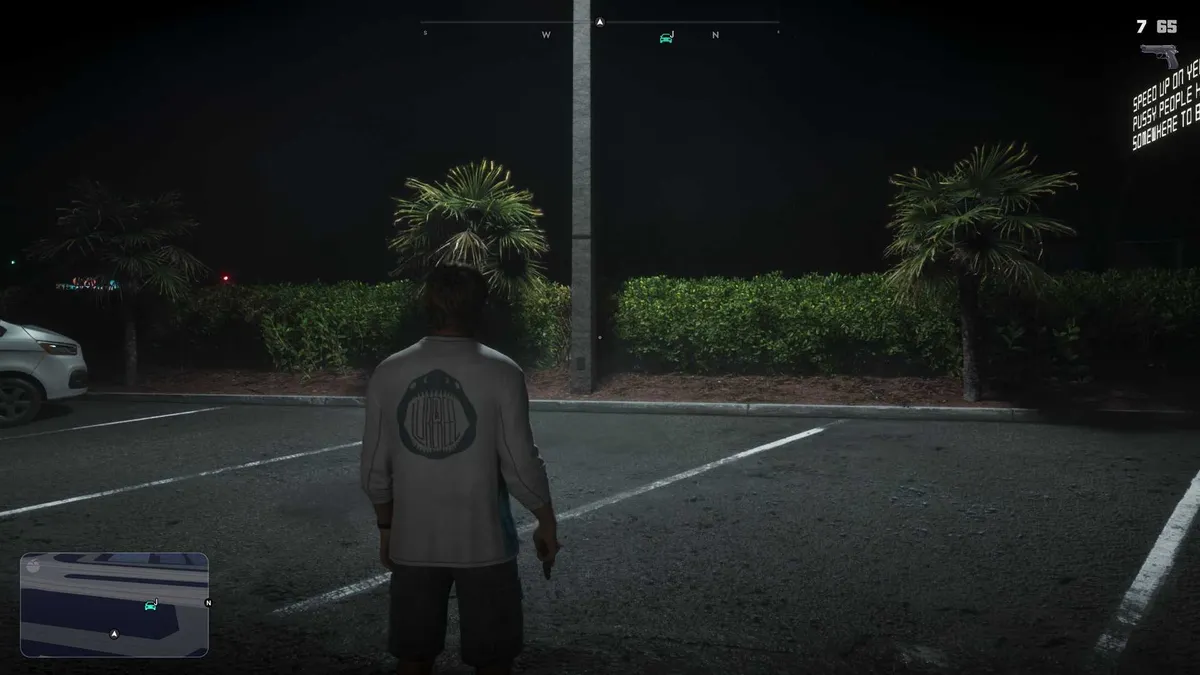
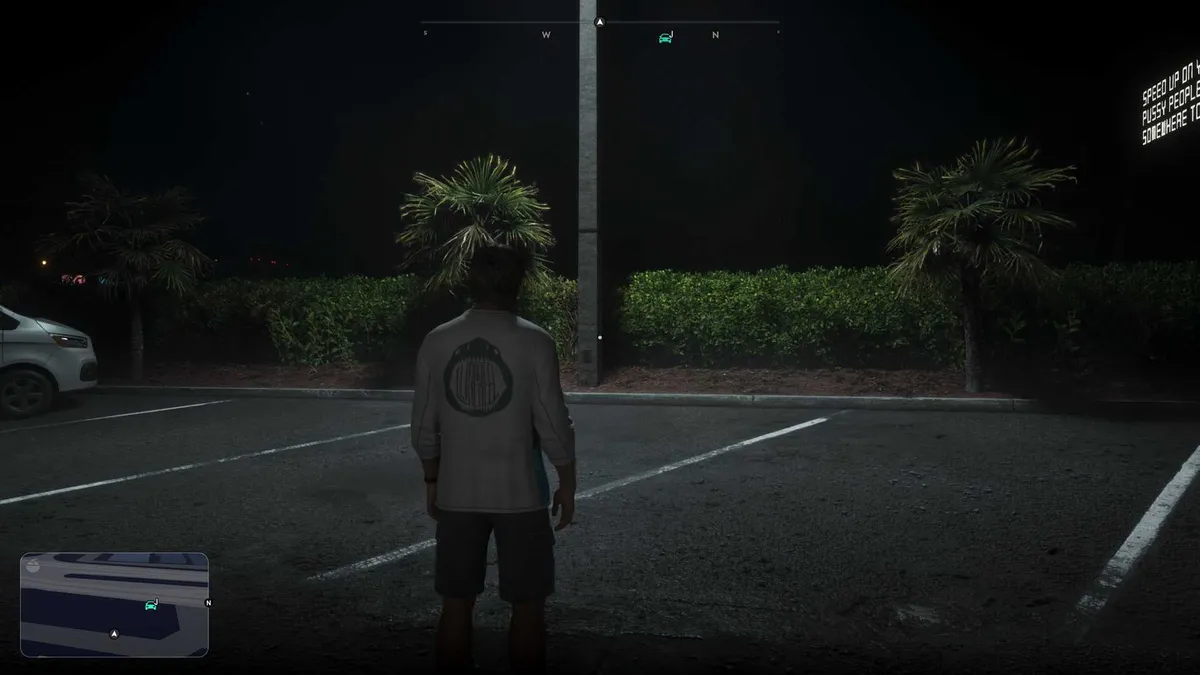
Can you stop the game holstering in cars?
Yes. By default your weapon goes away automatically when you get into a vehicle. Go to Settings > Gameplay > Combat and set Holster in Vehicle to Manual if you want to keep a gun out, for example for drive-bys.
Does holstering matter for the police?
It helps. Small sidearms can be carried close to the body where NPCs are less likely to spot them, but larger weapons out in public get attention and can lead to a police call. Holster before walking through busy streets. If police are already after you, see how to lose a wanted level.
FAQ
How do I know if my gun is out while driving?
A weapon icon with an ammo count appears in the top-right corner. When the gun is holstered, the icon disappears.
Why holster at all?
People notice drawn weapons. Big guns like shotguns and rifles out in the open alert nearby NPCs, who may call the police.