


In Buck Me, Jason and Lucia try to open a bank account at the Fleeca branch in Key Lento, get refused for bad credit and sign up for the BuckMe app instead. Finish by opening BuckMe on your phone and using Buck Yourself to move the $100 welcome bonus into Family Savings.
Before you start
About half a day after Coming Home, Lucia calls: she needs a bank account for her community service pay, and neither of you has one. On the map it’s Set Up Bank Account. Buck Me and Clean Up After Donnie unlock around the same time and can be done in either order.
Until this mission is done you have no bank, so stash spare cash under the bedroom floorboards at Jason’s house.
Steps
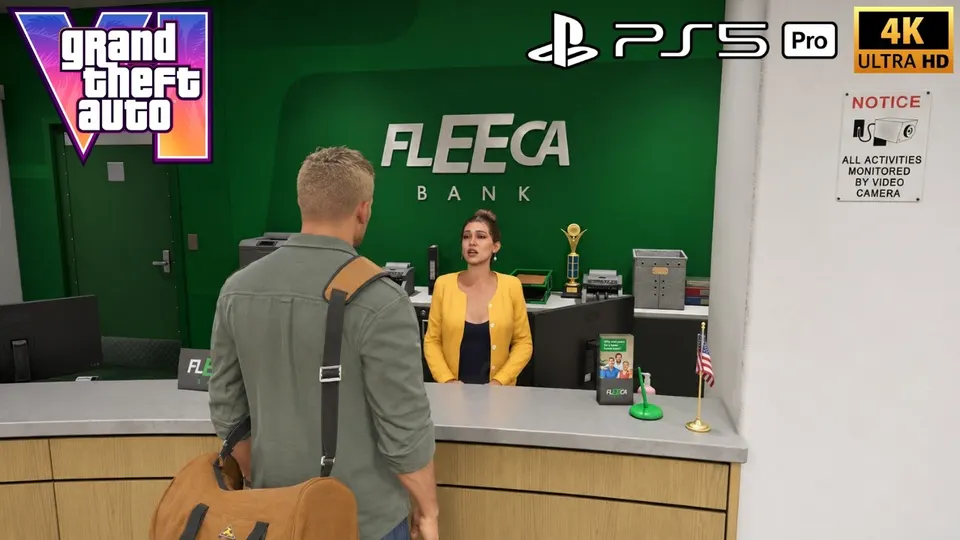
- Go to the bank. Meet Lucia at the Fleeca branch in Key Lento and talk to the teller inside.
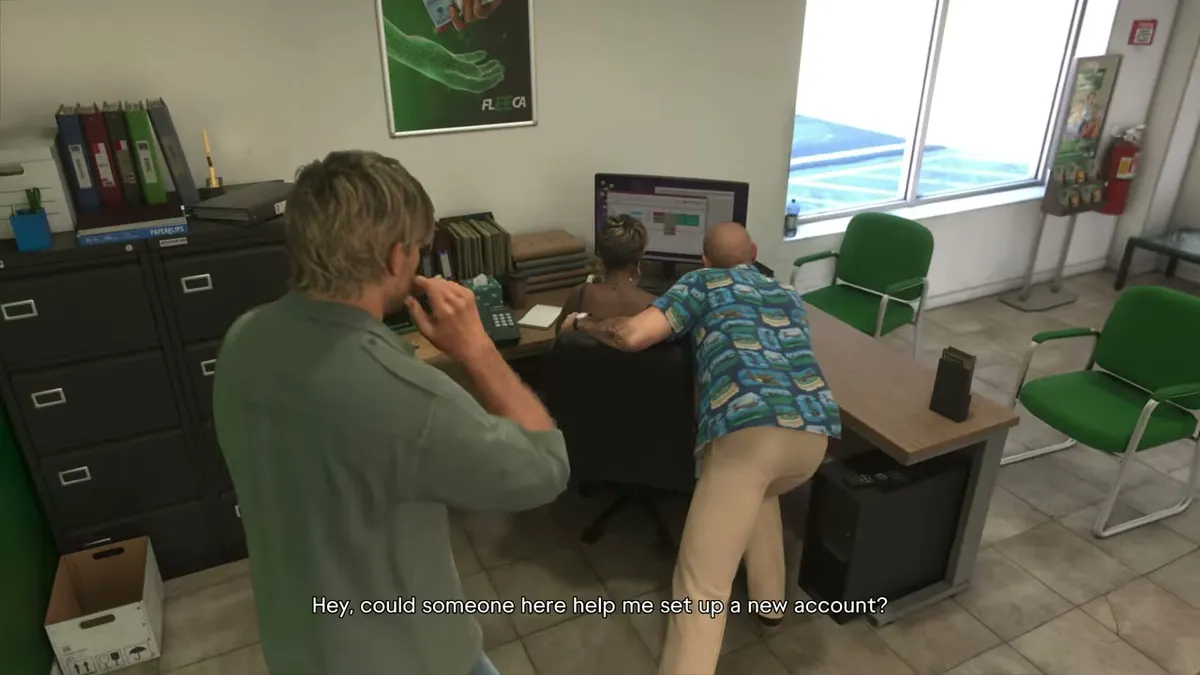
Asking inside the Fleeca branch about a new account © ROCKSTAR TODAY - See the manager. He’s at the table in the right corner. Follow him to his office. Lucia brings up a line of credit for a house, and you can stay quiet or mention the cash you’ve saved. He then asks about military service and floats a veteran’s loan, but Jason left the Army on bad terms, so that’s out. Your credit is too bad for an account, so he pitches the fintech app BuckMe.
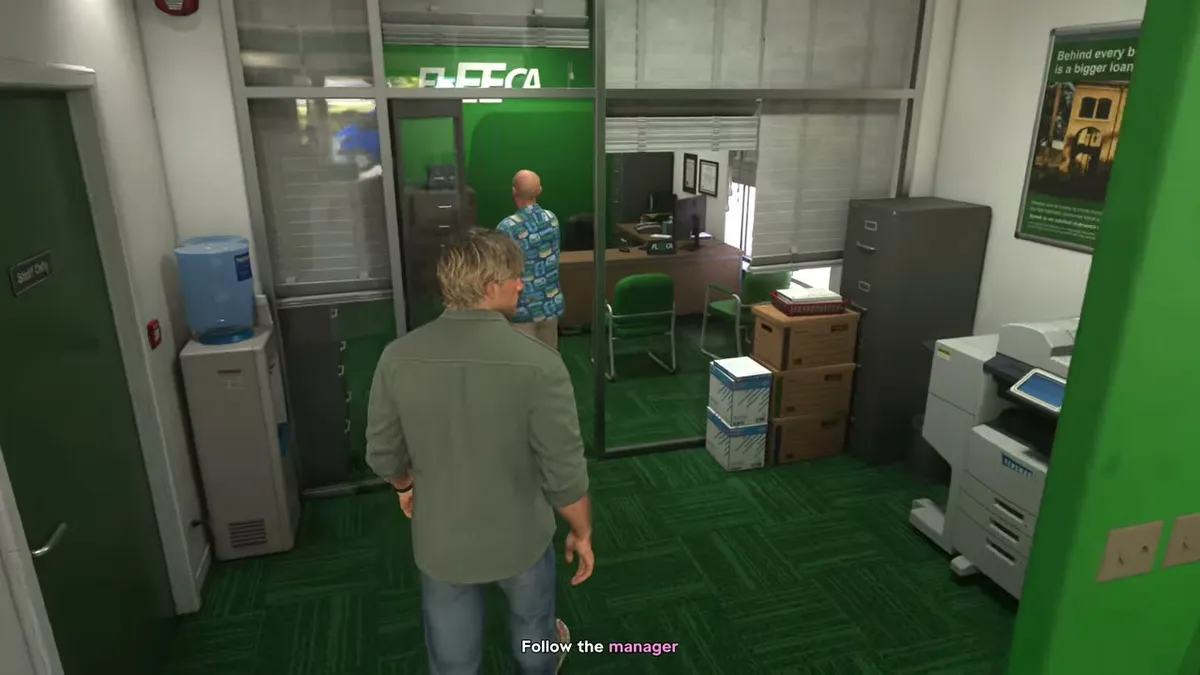
Following the manager to his office © ROCKSTAR TODAY - Open BuckMe. After the cutscene you’re home with a $100 welcome bonus in checking. Open your phone and tap the purple “B”.
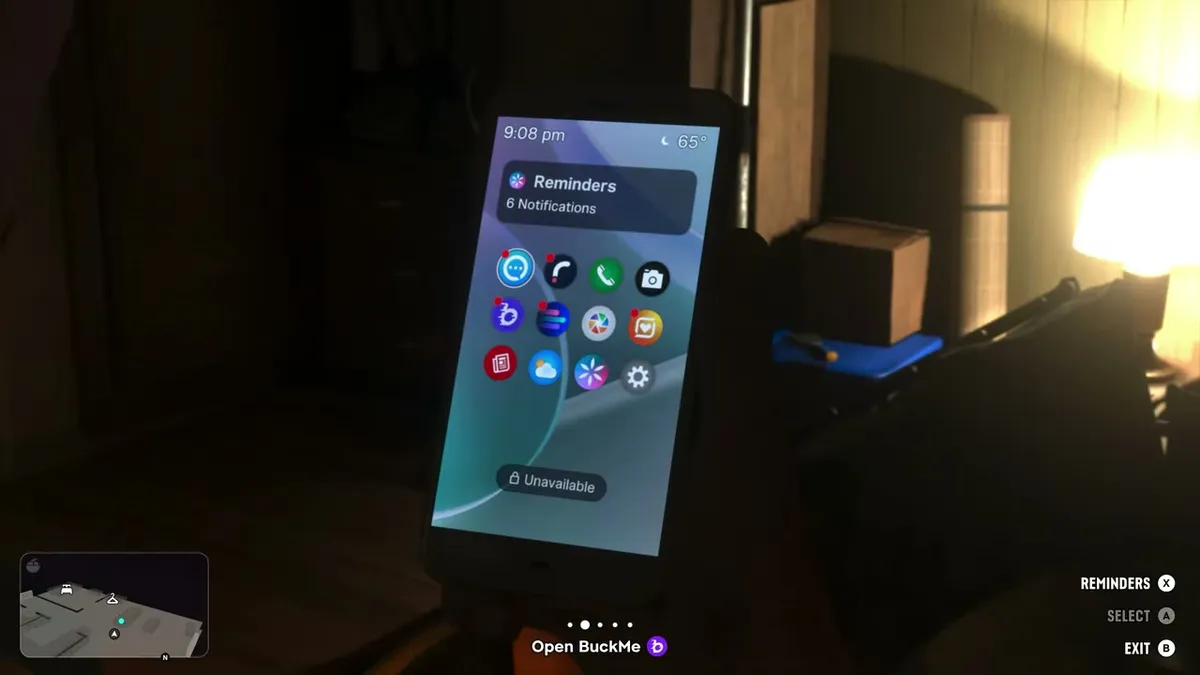
Back home, the purple B app on the phone © ROCKSTAR TODAY - Move the money. Under Checking Account, use Buck Yourself to move the $100 into Family Savings. That leaves $4,900 to reach the next savings goal.
How BuckMe works
- Family Savings is a joint account for Jason and Lucia. Money in it can’t be withdrawn, ever, but it can’t be lost.
- Each savings goal unlocks discounts on purchases and raises your checking limit. The optional Save for the Future task tracks these goals across the whole story.
- If checking is full, incoming payments are held until you spend or save.
- Vendors take pocket cash only for items up to $999. Anything over $1,000 is paid through BuckMe, and with $0 in your pocket everything is.
- Deposit or withdraw at any ATM; the app’s ATM Finder sets a waypoint. ATMs show on the map as a hand holding a credit card.
- Don’t empty your pockets completely: some street encounters and a few vendors only take cash, so keep a few hundred on you.
Rewards
The BuckMe app, which also opens up some weapon purchases. With both this and Clean Up After Donnie done, Brian marks Down To Earth.
FAQ
Can you take money out of BuckMe Family Savings?
No. Money in Family Savings is locked forever, but it can never be lost either. Each savings goal unlocks discounts and raises your checking account limit.
Should you carry cash in GTA 6?
Not much. You lose pocket cash when you die (and a smaller part of your checking balance), and purchases over $1,000 go through BuckMe anyway. Deposit cash at ATMs, which the app can mark for you.
How much cash can you carry, and where can you stash it before Buck Me?
You can carry up to $20,000 on you. Before you unlock banking, hide money under the bedroom floorboards at Jason's house in Key Lento so it survives a death or arrest. Stolen goods like jewelry, drugs and marked bills can go in the trunk of a car you own.